Calculate as usual
A familiar, fully functional everyday calculator is always at hand.
 QuickMath
Explore the app
An everyday calculator with a secret: a secure, encrypted vault for your personal photos, videos and albums.
QuickMath works just like a regular calculator. Enter your secret PIN, then long-press the = button to unlock your private space.
Your photos and videos stay encrypted on your device, organized in vaults that are yours alone.
A familiar, fully functional everyday calculator is always at hand.
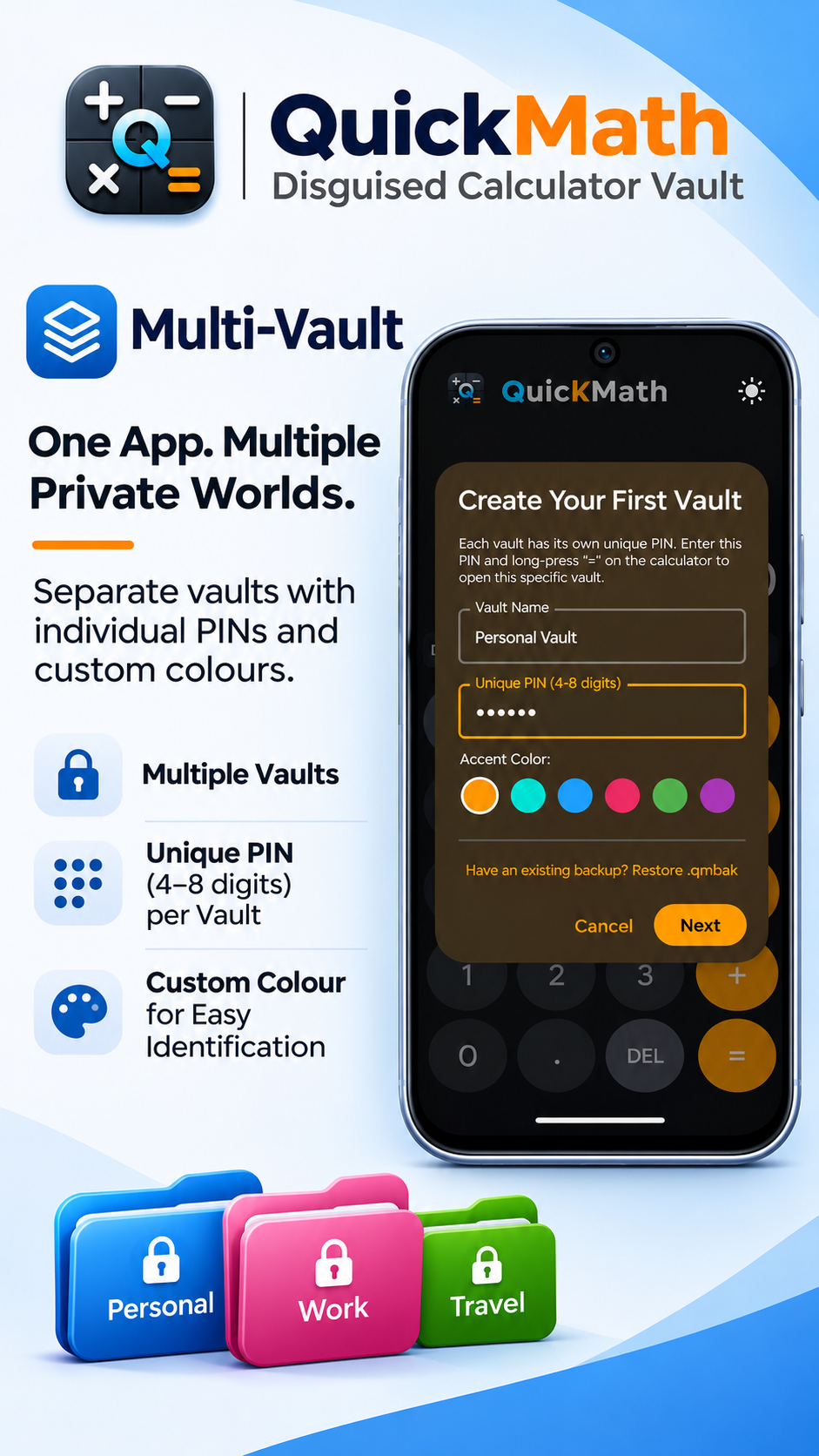
Choose a 4–8 digit PIN for each vault. An 8-digit PIN is recommended.
Hold = to unlock the matching private vault.
Keep personal media organized and close, with controls designed to put you in charge.
Create independent spaces for Personal, Work, Family and more. Give each one its own PIN and accent colour.
AES-256-GCM encryption with PBKDF2-HMAC-SHA256 key derivation and unique random salts.
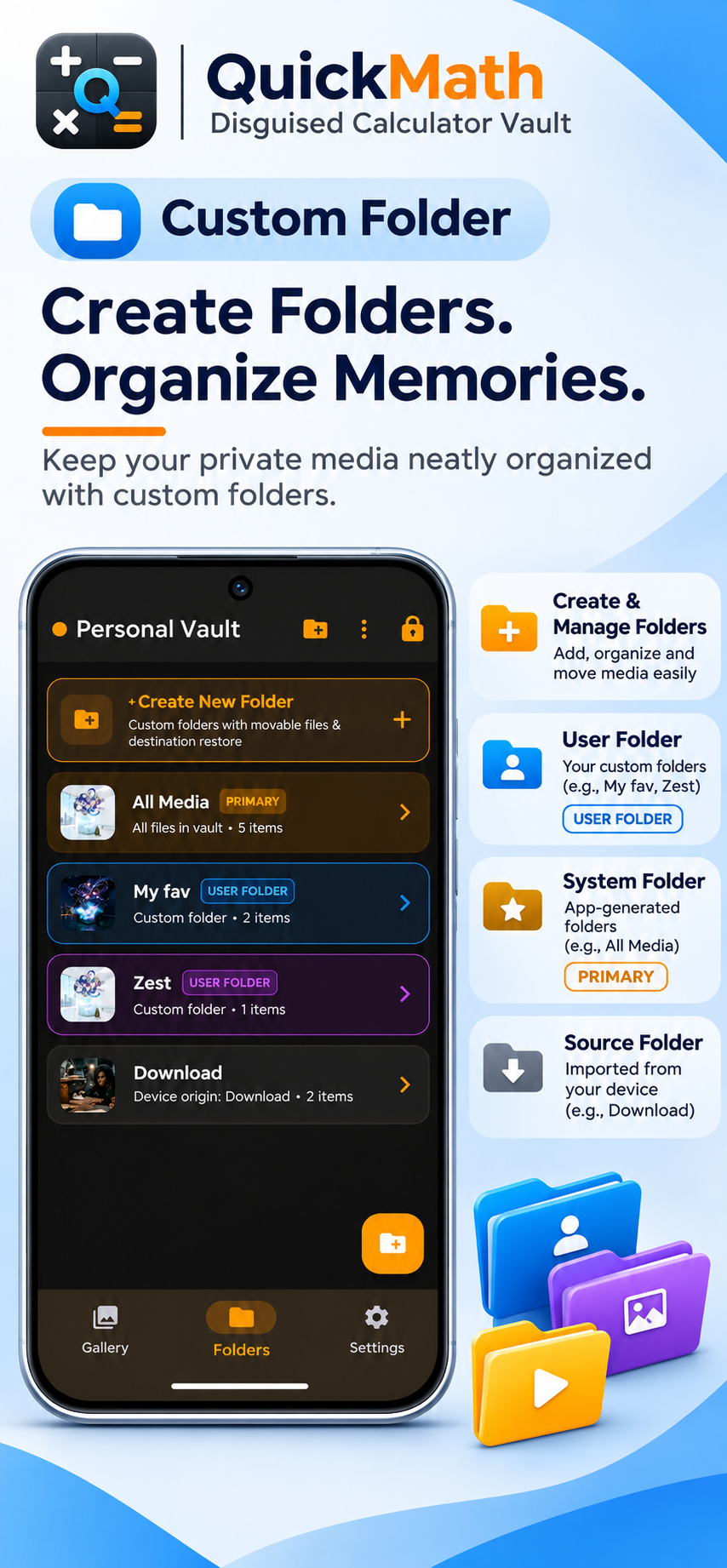
Browse your private photo albums, view images and play encrypted videos in your vault.
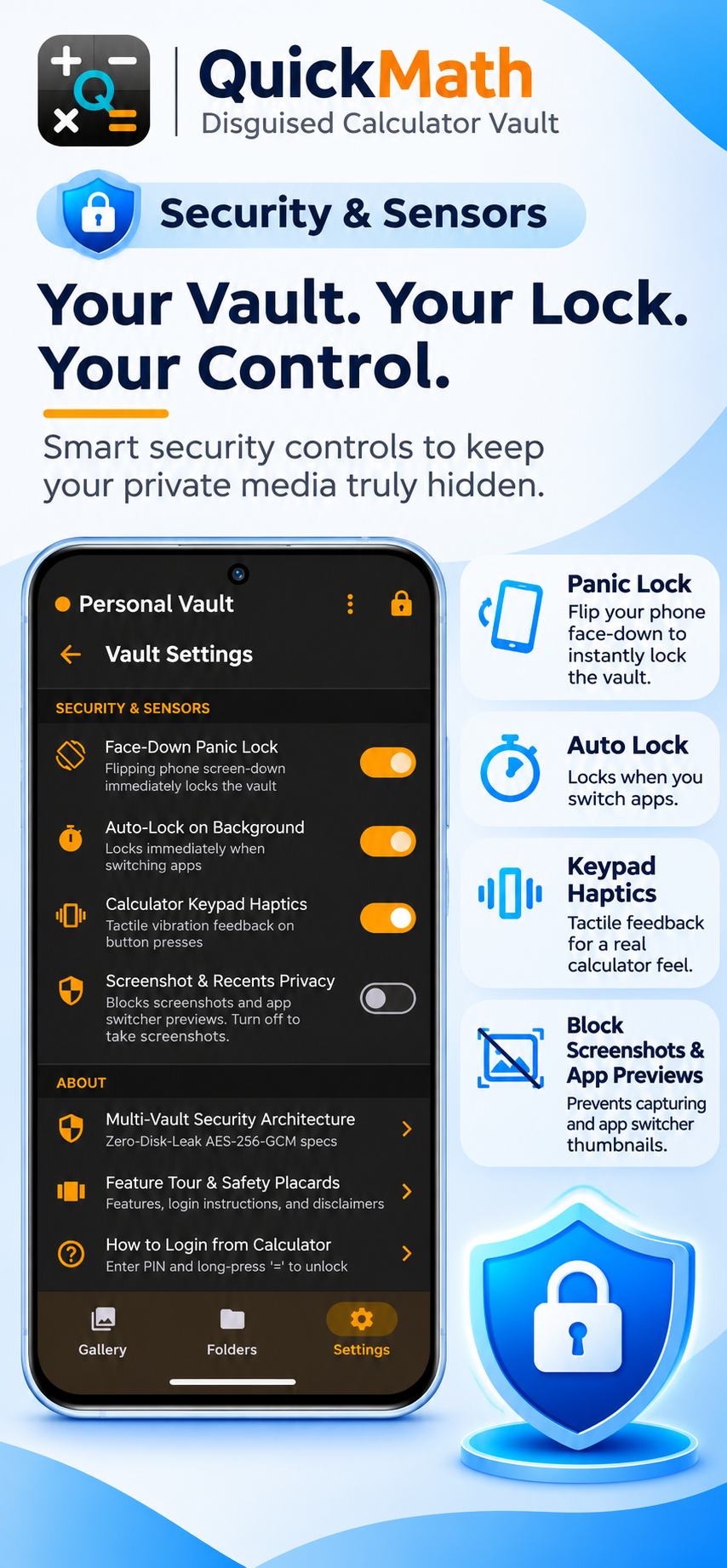
Turn your phone face-down to lock the active vault and return to the calculator.
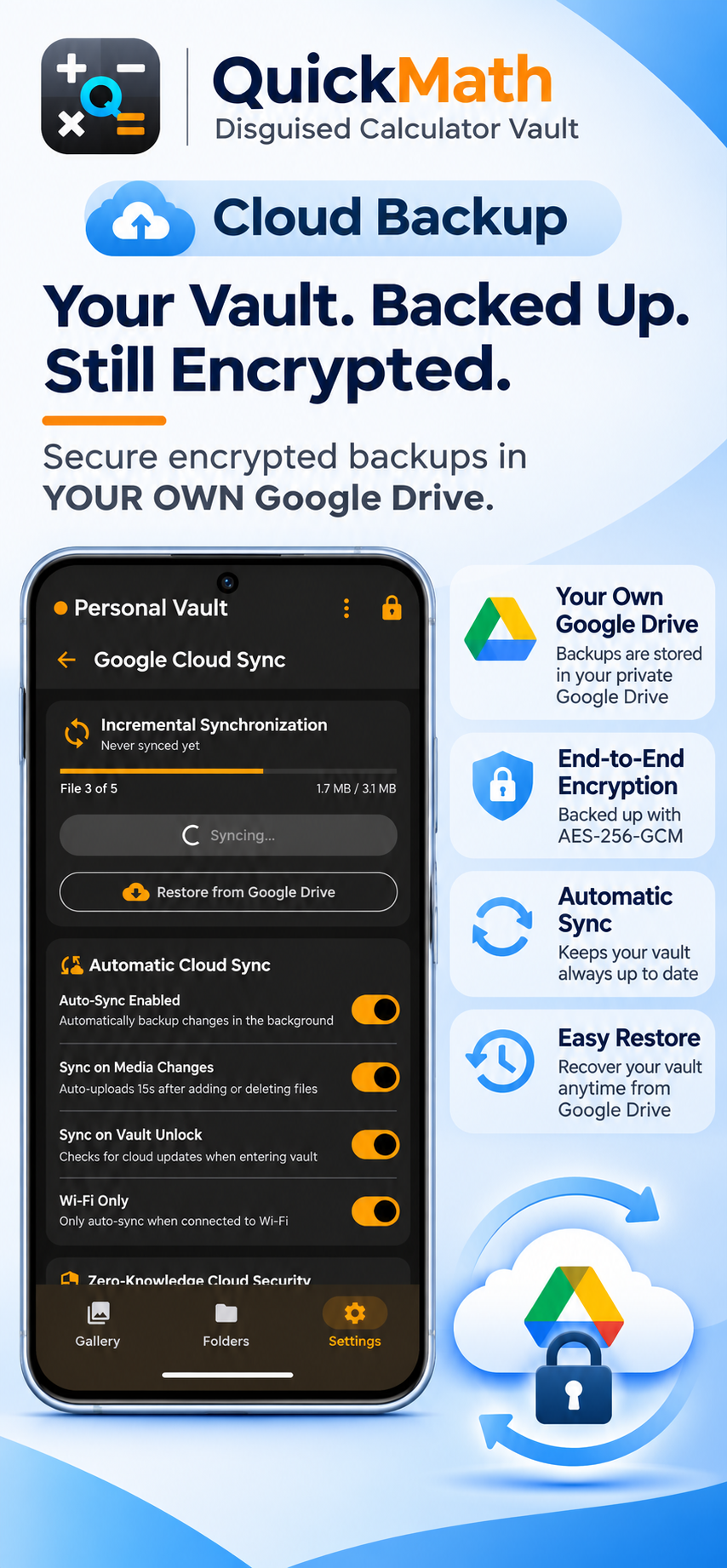
Back up encrypted media to your own Google Drive and restore it when needed. QuickMath uses Google's hidden AppData folder, and the backup contains encrypted data rather than readable photos or videos.
Encryption keys are derived on your device and are never uploaded. QuickMath does not store your private media or encryption keys on developer-operated media servers.
Explore the security detailsChoose a PIN you can remember. If you lose your PIN or required recovery credentials, your encrypted data may not be recoverable. Shorter PINs provide less protection against offline guessing attacks.
Back to the top